

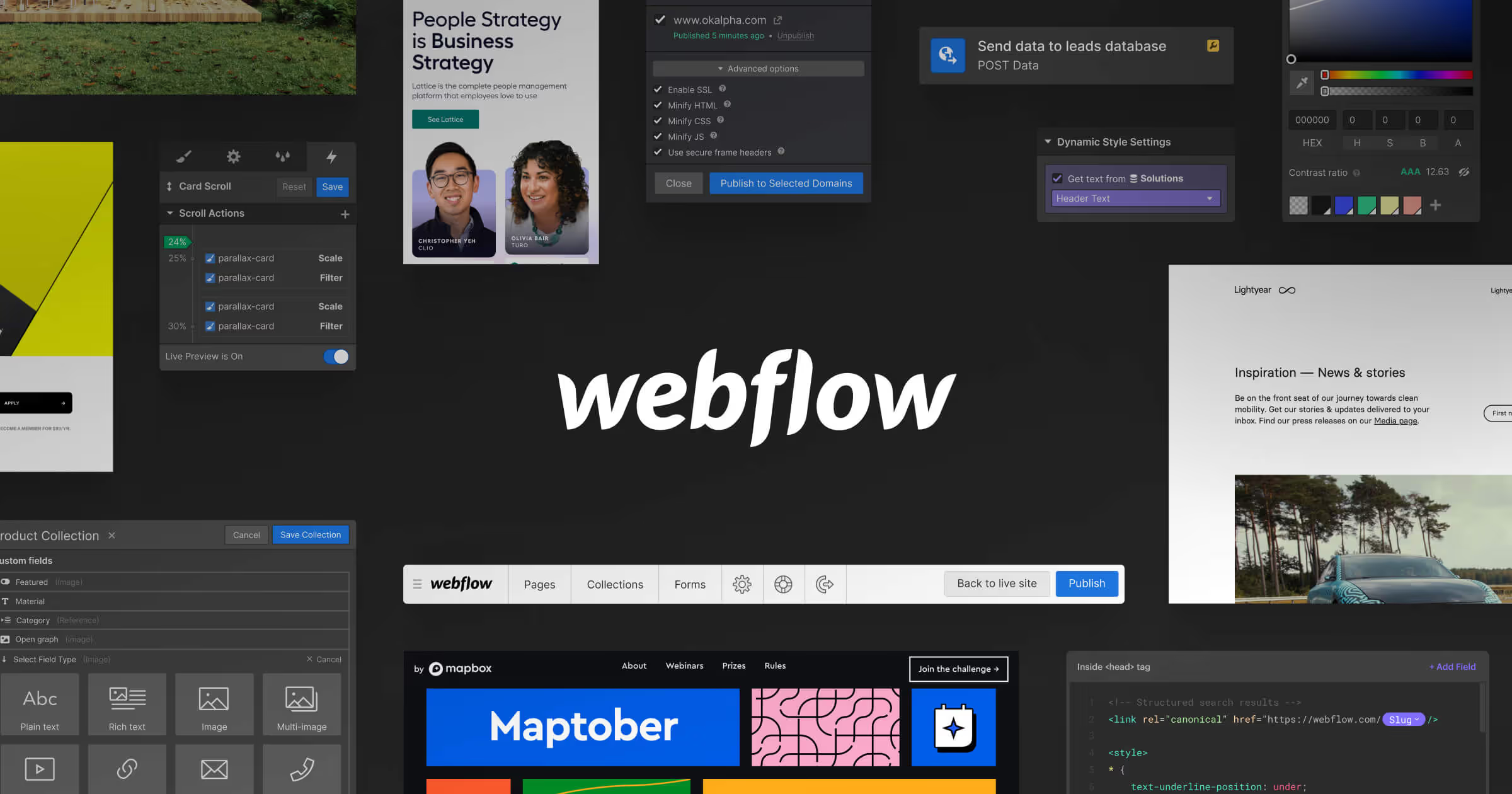
As a client, managing your website's content can be a daunting task. However, with Webflow's powerful content management system (CMS), you can easily create, edit, and publish content on your website without any technical knowledge or experience. In this blog post, we'll explore some of the key ways Webflow makes content management easy for clients.

Webflow's CMS is built with the client in mind, with an intuitive and user-friendly interface that makes managing your website's content a breeze. With a drag-and-drop editor, you can easily add and edit content, including text, images, and videos, without needing to know any code. This not only saves you time and effort but also ensures that your website's content is always up-to-date and relevant.

Webflow's CMS also offers customizable content fields, allowing you to create unique and tailored content types for your website. Whether you need to add products, blog posts, events, or other content, Webflow's CMS makes it easy to create and manage the content in a way that works best for your specific needs. You can also easily add custom fields, such as social media links or call-to-action buttons, to your content, making it more interactive and engaging for your website visitors.

With Webflow's CMS, you can easily publish and schedule content to go live at a specific date and time. This allows you to plan ahead and ensure that your website's content is always fresh and up-to-date. You can also easily preview your content before publishing, ensuring that it looks exactly how you want it to.
Webflow's CMS also seamlessly integrates with a wide range of third-party tools, including email marketing platforms, social media management tools, and analytics software. This allows you to easily track and analyze your website's performance and engagement, as well as create and send targeted email campaigns and social media posts directly from the Webflow platform.
In summary, Webflow's powerful content management system makes managing your website's content easy and stress-free. With an intuitive and user-friendly interface, customizable content fields, easy publishing and scheduling, and seamless integration with third-party tools, Webflow's CMS empowers clients to create and manage engaging and effective content on their website. Whether you're a small business owner, marketer, or entrepreneur, Webflow's CMS can help you take your website to the next level.